MM logo white 1
MM logo red
Image description is not available

MacBook Air vs Pro: what are the differences?

Daan22 JANUARY 2026
Two Apple laptops side by side: MacBook Air left with teal pattern, MacBook Pro right with dark pattern, “VS” between them.

Which MacBook is the best fit for you – the sleek MacBook Air or the powerful MacBook Pro? Do you work a lot with graphic design software, or are you often on the go? Both the Pro and the Air have plenty of advantages, depending on what you need. To decide whether the MacBook Pro or Air should be your next laptop, there are a few questions you should ask yourself. We’re here to help you with that.

What are the differences between the MacBook Pro and Air?

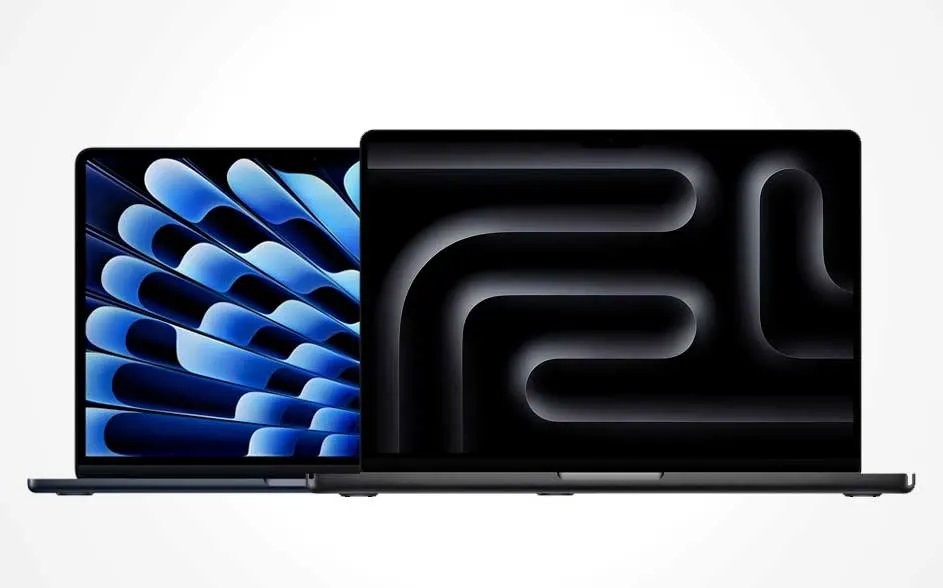
Two overlapping MacBooks: left an open laptop with a blue pattern, right a larger one showing a dark, wavy screen design.

On this page, we compare the MacBook Air M4 (2025) with the MacBook Pro M5 (2025). Both laptops offer a lot of power, but you choose the model that suits you best based on what you want to do with it.

  • Choose the MacBook Air M4 if you mainly use your laptop for studying and basic tasks, browsing the internet, emailing, using Office, streaming and light photo and video editing.
  • Choose the MacBook Pro M5 if you do intensive photo and video editing, work with 3D and animation, or run demanding professional software.

The above is based on processor performance, the number of cores, the size of the storage and memory, and battery life. In addition to the MacBook Pro M5, the 14- and 16‑inch MacBook Pro models with M4 Pro or M4 Max chips also remain current. Apple released these at the end of 2024, and for large projects they even offer more computing power than the M5.

A man in a red T-shirt types on a silver Apple laptop by a window; cups, gadgets and cables sit on the shelf behind.

The MacBook Pro and Air come in different screen sizes

When choosing the right MacBook, start by thinking about the screen size. The MacBook Air is light, compact and available in 13 and 15 inches. This model focuses on portability and comfort. The MacBook Pro M5 is slightly larger, comes in 14 inches and is designed to offer more workspace and better image quality. For studying and basic tasks, a MacBook Air is very comfortable to use. If you work a lot with video, photos or complex software, the larger screen of the MacBook Pro gives you more overview and working comfort.

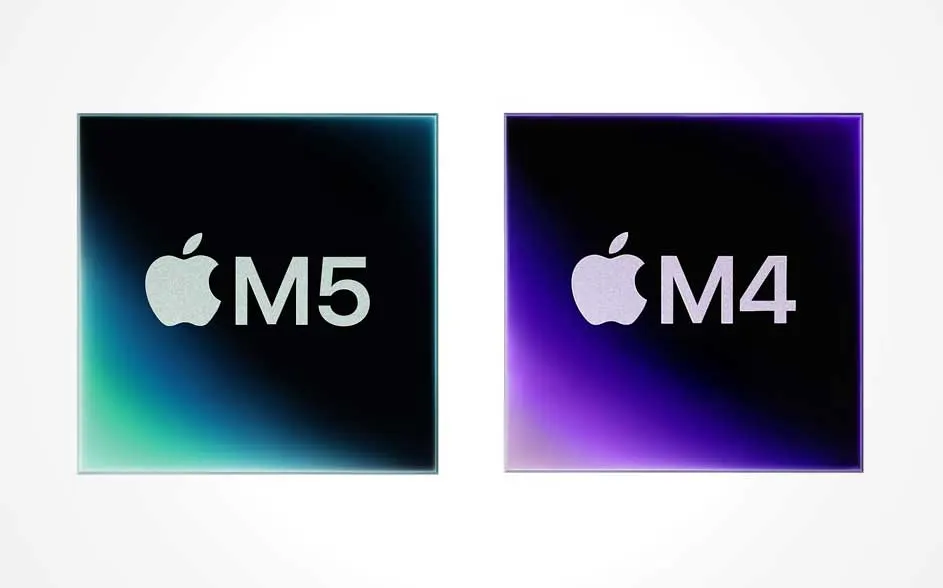
Two chip icons side by side: on the left an Apple M5 tile with a blue-green glow, on the right an Apple M4 tile with a purple edge.

Apple M4 vs M5: each MacBook with different chipsets

The Apple chips in the 2 MacBooks also differ from each other. The MacBook Air runs on the M4 chip, while the MacBook Pro is equipped with the M5 chip. The M4 chip in the Air is energy-efficient and offers more than enough power for everyday use and light creative work. The M5 chip takes it a step further. Thanks to the Neural Accelerator on every GPU core, it performs AI tasks – such as generating images and processing prompts for large language models (like ChatGPT) – significantly faster. With improved shader cores and a ray tracing engine, games look more realistic and photo and video editing feels more visual and smoother. As a result, the MacBook Pro is the better choice for large video projects, heavy Photoshop or 3D files, and intensive multitasking with lots of apps at the same time.

Difference in battery life between the Pro and Air

Both MacBooks have long battery life, offering at least 15 hours of wireless internet use. The exact battery life depends on the model, size, chip and how you use it.

Below you can find an overview of the battery life for all models:

Property nameMacBook Air 13 inches (M4)MacBook Air 15 inches (M4)MacBook Pro 14 inches (M5)
Wireless internet

15 hours

15 hours

16 hours

Video streaming

18 hours

18 hours

24 hours

Storage and memory

Storage and memory (also known as RAM) play an important role when choosing the best MacBook. The memory determines how quickly your laptop performs tasks, while the storage capacity determines how many large files you can keep locally. Do you work with large files and demanding software? Then choose more memory and a larger SSD, so you can keep working smoothly without any slowdowns.

Property nameMacBook Air 13 inches (M4)MacBook Air 15 inches (M4)MacBook Pro 14 inches (M5)
Memory (RAM)

16 GB, 24 GB, 32 GB

16 GB, 24 GB, 32 GB

16 GB, 24 GB, 32 GB

Storage (SSD)

256 GB, 512 GB, 1 TB, 2 TB

256 GB, 512 GB, 1 TB, 2 TB

512 GB, 1 TB, 2 TB, 4 TB

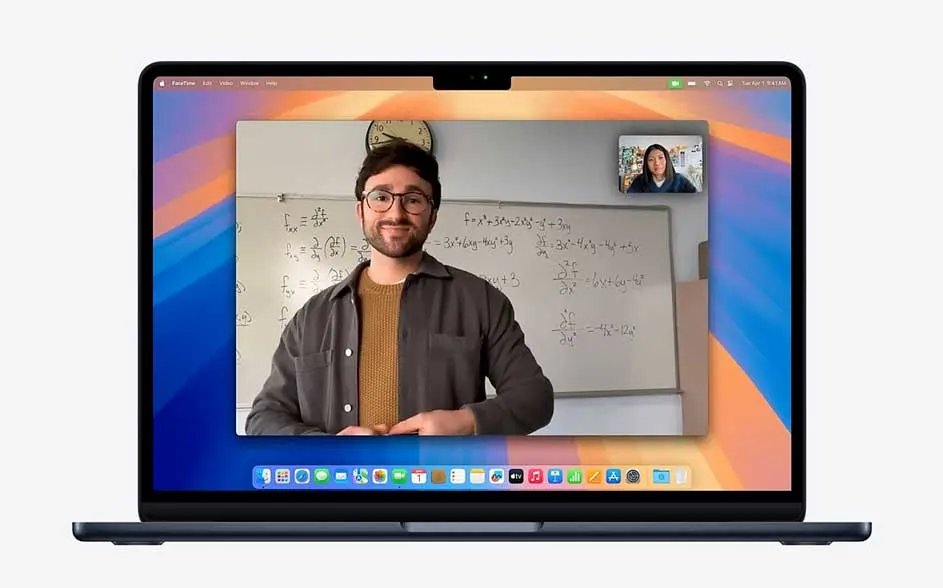
On a laptop you see a video call: a man in front of a whiteboard full of equations, with a small second caller at top right.

Speakers and ports

The MacBook models also differ in terms of speakers and ports. The 13‑inch MacBook Air M4 has 4 speakers, while the 15‑inch MacBook Air M4 has 6. The MacBook Pro M5 goes a step further: it also has 6 speakers but additionally supports wide stereo sound and a hi‑fi system. In terms of ports, both Air models offer 2 Thunderbolt 4 (USB‑C) ports and a mini‑jack connection for headphones. The MacBook Pro M5 features 3 Thunderbolt 4 ports, an HDMI port, a mini‑jack connection and an SDXC card reader. If you often connect external displays, audio equipment or memory cards, the extra connectivity of the Pro will make your work a lot easier. If you mainly use a single monitor and wireless MacBook accessories, the MacBook Air is more than sufficient.

Dimensions, weight and colours of the MacBooks

The MacBook Air remains the lightest and thinnest option, while the MacBook Pro is slightly heavier but more robust and geared more towards professional use. You can also choose from 4 colours with the MacBook Air, whereas the MacBook Pro is available in 2 colours.

Property nameMacBook Air 13 inches (M4)MacBook Air 15 inches (M4)MacBook Pro 14 inches (M5)
Dimensions

30.41 cm x 21.5 cm x 1.13 cm

34.04 cm x 23.76 cm x 1.15 cm

31.26 cm x 22.12 cm x 1.55 cm

Weight

1.24 kg

1.51 kg

1.55 kg

Colours

Sky blue, silver, starlight and midnight.

Sky blue, silver, starlight and midnight.

Space black and silver.

If you travel a lot and mainly value comfort and portability, the Air will suit you better. If power is more important and a bit of extra weight doesn’t bother you, then the Pro is the better choice.

Which features do both the MacBook Air and Pro have?

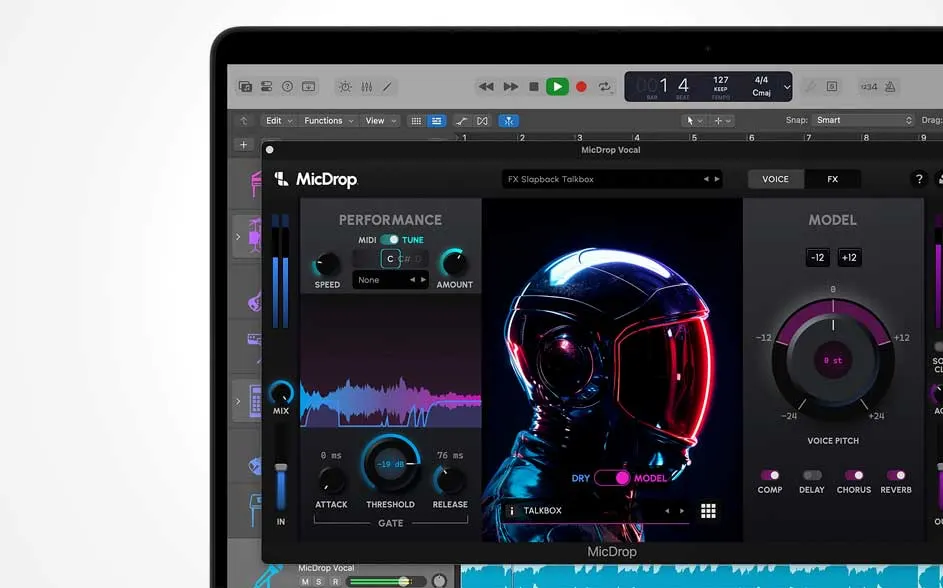
On a laptop, audio software is open with the MicDrop plug-in: meters, waveforms and knobs beside a neon space helmet illustration.

In addition to all their differences, the MacBook Air and MacBook Pro also share a number of smart features that make everyday use easier and more secure.

  • Apple Intelligence: smart features for text, images and productivity.
  • Touch ID: fast and secure login.
  • Apple Pay: easily pay online and in apps with your fingerprint.
  • Centre Stage camera: automatically follows you during video calls so you stay in frame.
  • Compatible with Magic Keyboard: comfortable typing.
  • Wi‑Fi: fast and stable wireless connection, ideal for streaming and online meetings.
  • Bluetooth: wireless connection with headphones, speakers, mice and keyboards.

Whether you choose the Air or the Pro, you’ll get the same modern Apple experience at its core.

Compare the MacBook Pro vs MacBook Air

The table below helps you compare the key specifications of the MacBook Air (2025) and MacBook Pro (2025) side by side.

Property nameMacBook Air 13 inches (M4)MacBook Air 15 inches (M4)MacBook Pro 14 inches (M5)
Use

Study, basic tasks, light creative work

Study, basic tasks, light creative work

Professional use, heavy creative workloads

Chip

M4

M4

M5

Screen size

13.6 inches

15.3 inches

14.2 inches

Dimensions and weight

30.41 cm x 21.5 cm x 1.13 cm and 1.24 kg

34.04 cm x 23.76 cm x 1.15 cm and 1.51 kg

31.26 cm x 22.12 cm x 1.55 cm and 1.55 kg

Screen type

Liquid Retina display

Liquid Retina display

Liquid Retina XDR display

Battery life

15 hours of wireless internet, 18 hours of video streaming

15 hours of wireless internet, 18 hours of video streaming

16 hours of wireless internet, 24 hours of video streaming

Memory (RAM)

16 GB, 24 GB, 32 GB

16 GB, 24 GB, 32 GB

16 GB, 24 GB, 32 GB

Storage (SSD)

256 GB, 512 GB, 1 TB, 2 TB

256 GB, 512 GB, 1 TB, 2 TB

512 GB, 1 TB, 2 TB, 4 TB

Speakers

4 speakers

6 speakers with force cancelling woofers

Hi fi system with 6 speakers and force cancelling woofers

Ports

2x Thunderbolt 4 (USB C), mini jack port

2x Thunderbolt 4 (USB C), mini jack port

3x Thunderbolt 4 (USB C), mini jack port, HDMI port, SDXC card slot

Features

Touch ID, Apple Pay, Apple Intelligence, Bluetooth, Wi-Fi, Siri

Touch ID, Apple Pay, Apple Intelligence, Bluetooth, Wi-Fi, Siri

Touch ID, Apple Pay, Apple Intelligence, Bluetooth, Wi-Fi, Siri

Power adapter included

Yes

Yes

No

Our advice on choosing between the Apple MacBook Air and Pro

A woman in an airport lounge works on a silver Apple laptop; suitcases and bags sit nearby, with aircraft visible beyond the window.

Which MacBook suits you best depends on how you use your laptop. Do you mainly carry out light tasks for work or study, or are you often on the go and want a compact, lightweight model? Then the MacBook Air M4 is an excellent choice. If you spend a lot of time on photo and video editing, 3D projects, gaming or other demanding software, the MacBook Pro M5 is a better fit for your needs. If you want the most powerful MacBook currently available, choose a MacBook Pro with an M4 Pro or M4 Max chip.

FAQ

These articles may also be interesting for you